Fall 2026 Checklist for Universities: Are Your Virtual Labs Ready for the Next Semester?
As universities prepare for the Fall semester 2026, lab readiness becomes a priority.

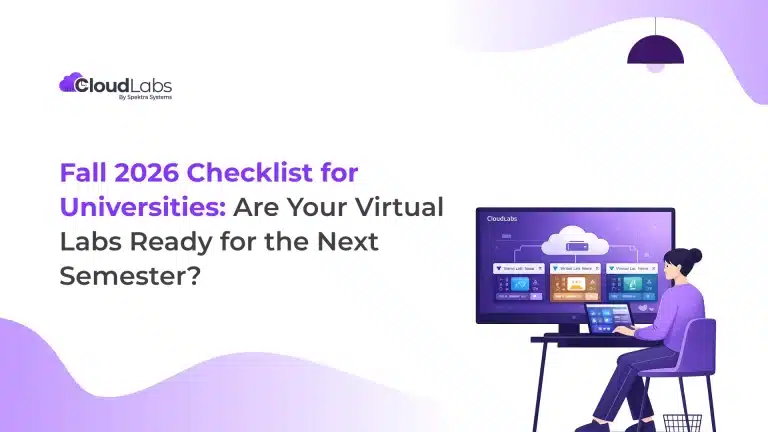
As universities prepare for the Fall semester 2026, lab readiness becomes a priority.
Most institutions finalize lab environments for the Fall semester between April and June. If your setup is not aligned during this window, gaps often surface only after students begin using the labs.
This is also driving a fundamental shift in how universities approach virtual labs. Labs are no longer infrastructure; they are part of the learning experience itself. Across leading institutions, faculty and IT teams now work together to design lab environments that align closely with course objectives, matching the course brief end-to-end.
CloudLabs enables universities to build custom lab environments that match their unique academic and operational requirements. Instead of adjusting courses to fit a given infrastructure, universities can design custom infrastructure around their courses and student experiences, with expert guidance.
Fall 2026 Virtual Lab Readiness Checklist by CloudLabs
CloudLabs, as a premium lab platform, for more than a decade, has been helping 150+ global institutions with AI-ready, fully managed, hands-on virtual labs. Leading institutions like Seneca Polytechnic, Queen’s University, Wayne Community College, Sault College, and more trust CloudLabs for ready-to-deploy, custom-made virtual labs, enabling them to deliver seamless, course-specific learning experiences to students worldwide without manual overhead.
Here is a 12-point pre-semester planning checklist by our experts that has helped leading universities plan and prepare their lab environments in the past. Now you can use them too.
- Browser-Based Access for Virtual Labs
Do students need to install software before accessing labs?
With CloudLabs, you can share ready-to-use lab environments with students, accessible through their preferred web browser with zero software dependencies.
- LMS Integration for Cloud-Based Lab Environments
Are your lab environments connected to your existing academic ecosystems?
CloudLabs supports seamless LMS integration with platforms such as Moodle and Canvas via LTI, enabling course delivery across all user bases.
- Instructor Monitoring and Support in Virtual Machine Labs
Can instructors assist students’ VMs in real time?
Using the built-in Shadow VM feature, instructors can access students’ environments, monitor their whereabouts, and provide immediate guidance as needed.
- Scalability Testing for Cloud Labs
Have you tested your systems under peak usage?
Whether it’s a class of 10 or 1,000+ students, CloudLabs supports on-demand scalability. By signing up for a FREE POC, you can always test your specific lab use case over the CloudLabs platform before final deployment.
- Reporting and Usage Visibility Across Cloud Labs
Do you have visibility into lab usage and performance?
With us, you can get access to Power BI-backed in-depth reports and track live lab deployments, active usage, and resource consumption through a centralized dashboard.
- Multi-Cloud Flexibility
Are your labs restricted to a single cloud provider?
CloudLabs supports deployment across AWS, Azure, Google Cloud, or private infrastructure, allowing flexibility based on institutional needs.
- Environment Provisioning Readiness for Custom Labs
Are your lab environments ready to be deployed on demand?
CloudLabs helps universities configure lab environments to meet specific course requirements on demand, ensuring each setup is ready before students access it.
- Multi-Course Alignment
Can your lab environments support multiple courses with different requirements?
With the CloudLabs platform, you can customize your labs, and institutions can create separate environments aligned with specific course objectives without overlap.
- Standardization Across Environments
Are all students accessing the same setup?
Ensure consistency across the global student base by providing standardized environments and reducing discrepancies in learning experience with CloudLabs.
- Cost Optimization Controls
Can you manage resource usage effectively?
Existing users have claimed 80% reduction in lab costs with CloudLabs. Built-in features such as scheduling lab availability, automated shutdowns for idle labs, and in-depth credit usage reports help keep costs within budget.
- 24/7 Premium Support Readiness
Does your internal team need to handle students’ queries?
CloudLabs offers round-the-clock premium support to individual students and instructors, solving lab-related queries as they arise.
- Automation and Operational Efficiency
Are your lab operations automated?
CloudLabs supports automation for lab setup, cloning, and environment resets with smart scheduling, reducing manual effort for IT teams.
Move from Checklist to Implementation with CloudLabs
A checklist helps identify gaps. But addressing those gaps requires a platform designed for flexibility backed by end-to-end managed support.
CloudLabs Advantage
- Dedicated & Shared VMs: Share one virtual machine among multiple users with multi-session capabilities or go with dedicated VMs for each user
- Advanced Cost Optimization Features: Easily track and limit lab usage, schedule lab’s operational hours, and automate shutdown for idle labs, enabling precise cost control.
- Streamlined User Experience: Invite users via email or redeemable codes. Once signed in, users can immediately access their labs without any installation.
- Automation: Automate operations such as cloning a lab, REST API, and upcoming PowerShell modules, enhancing productivity and reducing manual tasks.
- Dedicated Access Rights: Select and utilize the appropriate cloud environment based on your access rights. Share your request with our team to configure user-specific permissions for each cloud.
- Security and Compliance: Active compliance with SOC 2 Type II, GDPR, and ISO 27001:2022 ensures the complete safety of data and information.
Start with a CloudLabs Platform Proof of Concept
Sign up for a guided Proof of Concept (POC) of the CloudLabs platform, build unique lab environments compatible with your defined requirements, and set success criteria. Our team of experts will closely work with you throughout the entire process.
Having clear success criteria at the start helps ensure the POC stays focused, measurable, and aligned with your goals.
During the POC phase, CloudLabs experts help you:
- Deploy and configure a course-specific custom lab experience
- You can update your course content and relevant in-built lab guides
- Automate lab environment setup and reset processes
- Configure instructor and learner access
- Run pilot sessions with selected users and record feedback
- Evaluate environment performance, scalability, and LMS compatibility
- Experience priority support for environment setup, automation, and troubleshooting
Your teams can test real workflows, remove operational bottlenecks, and check the environment before rolling it out to larger audiences.
If you are planning to migrate from Azure Lab Services and looking for the most feature-rich Azure Lab Services alternative, you should start with it right away, as your existing lab plans and VM images will soon stop. Leading institutes in 50+ countries have already switched to CloudLabs VM Labs, the Microsoft-recommended Azure Lab Services alternative. You get to explore the same features and flexibility with added benefits.
Use CloudLabs Platform to Build Your Custom Virtual Labs
Sign up for a CloudLabs platform POC and test your lab setup with real workflows before final deployment.
 Education CloudLabs at the EDUCAUSE Annual Conference 2026 Team CloudLabs is attending the EDUCAUSE Annual Conference 2026: Explore CloudLabs VM Labs, AI Lab Builder, and hands-on skill assessments.
 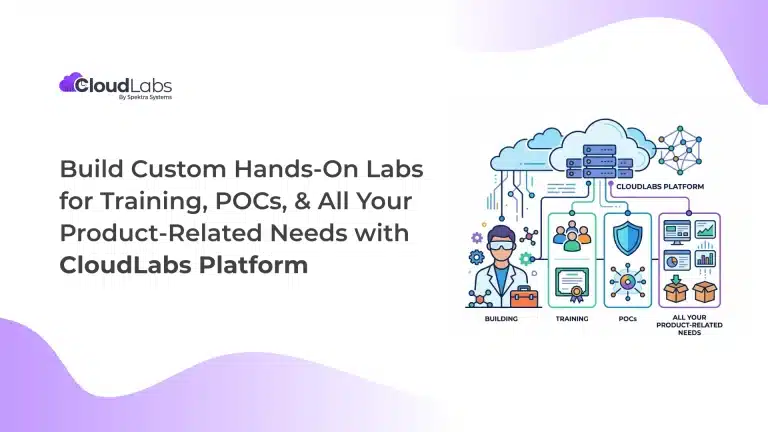 Hands-on labs Build Custom Hands-On Labs for Training, POCs, and All Your Product-Related Needs with CloudLabs Platform Build on-demand, custom hands-on lab environments with the CloudLabs platform for product training, POCs, demos, certification, and team enablement.
 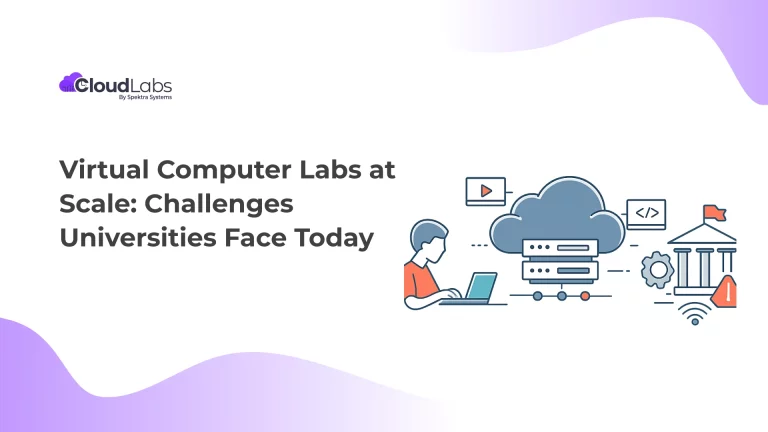 Education Virtual Computer Labs at Scale: Challenges Universities Face Today Students, at a global scale, are increasingly embracing digital learning as an integral part of their educational journey.